

Every account in one place
Sign in with Wealthsimple, or connect Questrade, Interactive Brokers, Schwab and other brokerages through SnapTrade. Switch between accounts from one menu.
Investive brings your Wealthsimple accounts, and accounts at other brokerages through SnapTrade, together in one read-only dashboard. Sign in and see your balances, holdings and returns in under a minute.
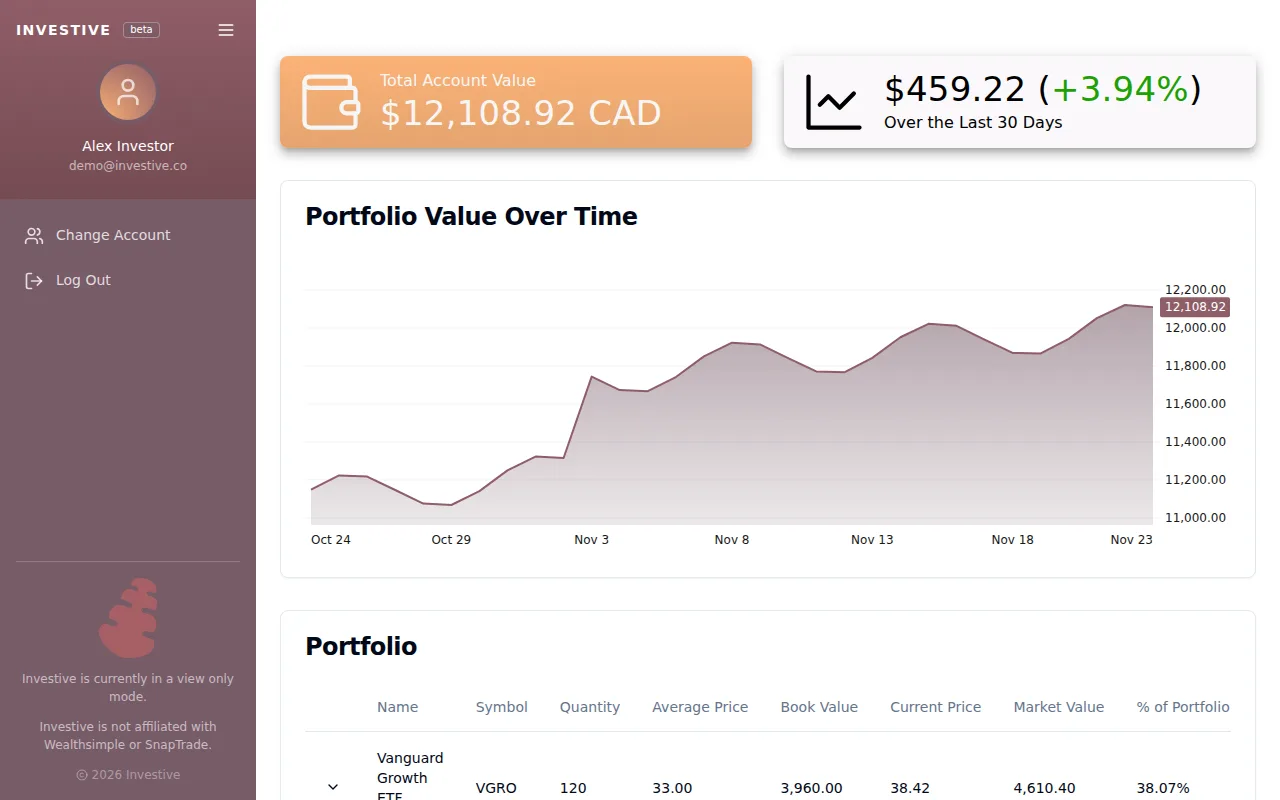
A clear view of your portfolio, without the trading buttons.
Sign in with Wealthsimple, or connect Questrade, Interactive Brokers, Schwab and other brokerages through SnapTrade. Switch between accounts from one menu.

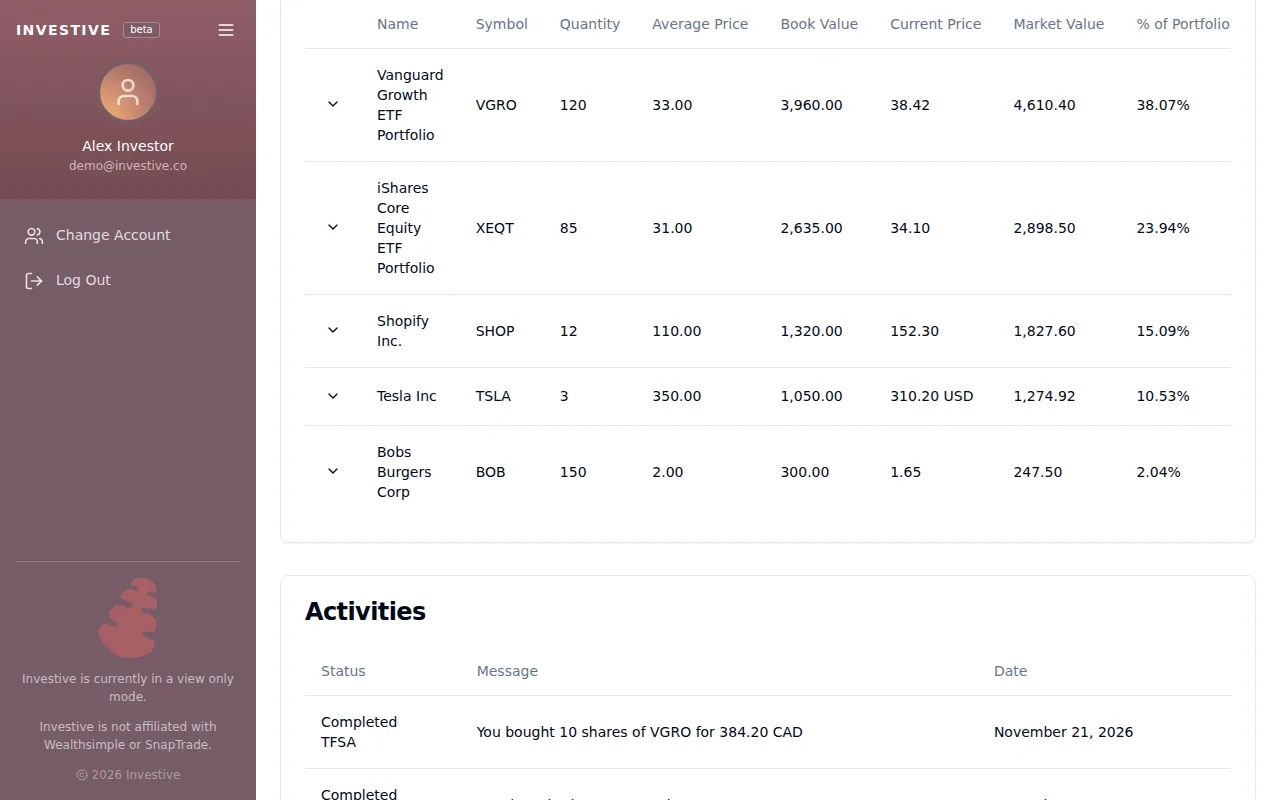
See your total value, 30-day change, every position with its book and market value, and recent activity. US holdings are converted to Canadian dollars.

Investive asks Wealthsimple and SnapTrade for read-only access. It can't place trades or move money, and it never stores your password.
Go to app.investive.co. There's nothing to install.
Use your Wealthsimple email, password and one-time code. For other brokerages, use a SnapTrade personal API key from dashboard.snaptrade.com.
See its value, holdings and activity. The dashboard refreshes every 90 seconds.
Sign-ups are closed for now.
Investive is read-only and is not a financial institution. It is not affiliated with Wealthsimple, SnapTrade or any brokerage it connects to.